Lin Zhiyao
Genius Architect
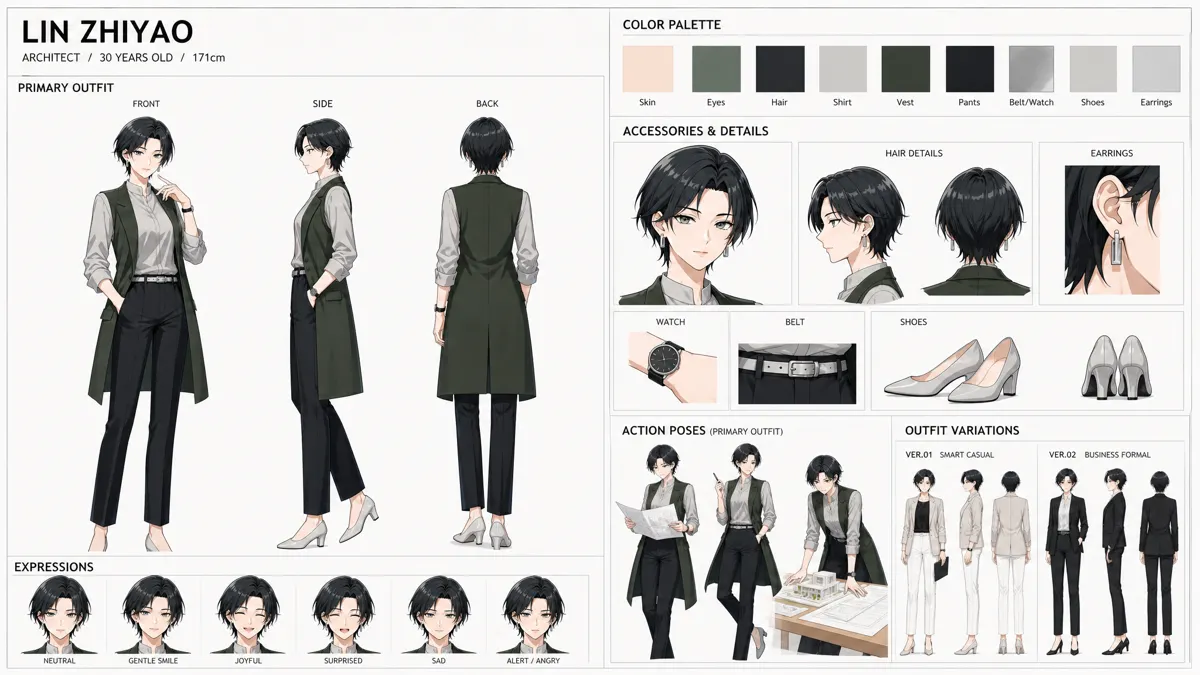
Preview only. Original files and downloads become available when this character pack is released.
Character introduction
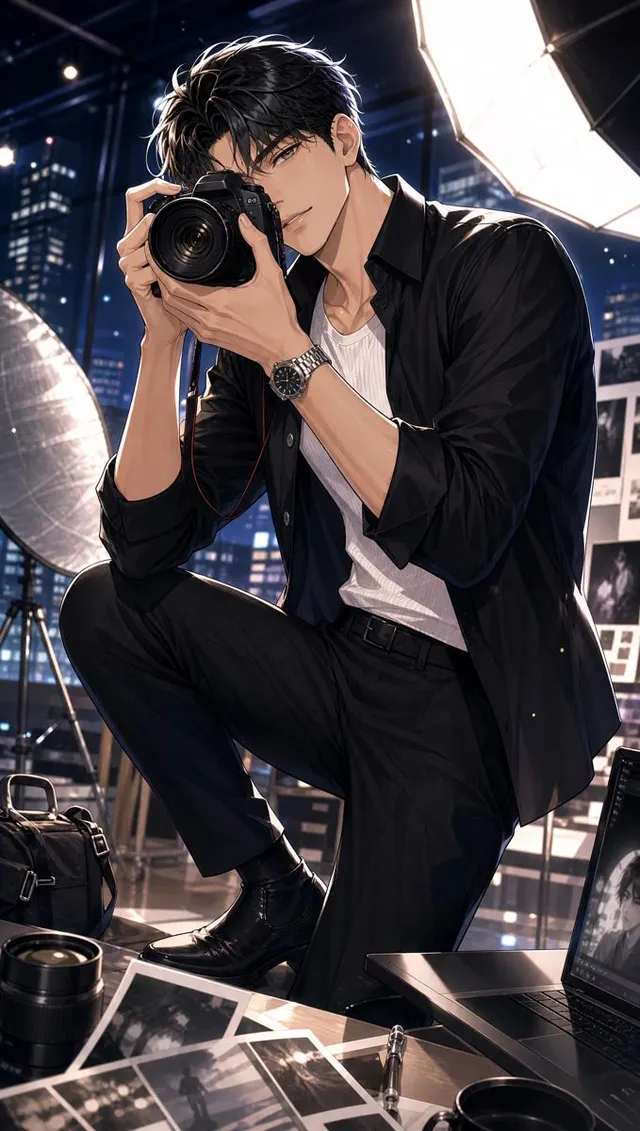
Lin Zhiyao is a Genius Architect, renowned for his unwavering pursuit of spatial order and the harmonious integration of form and function. While his designs are rooted in logical precision and rational efficiency, he possesses a secret, delightful touch: he surreptitiously weaves romantic and whimsical details into his otherwise pragmatic creations. This captivating contrast between his professional rigor and his hidden artistic heart creates a charming dramatic tension: will his subtle romantic flourishes be discovered, challenging his reputation, or will they quietly inspire wonder in those who notice? Perfect for urban workplace dramas, character-driven narratives, or even light romances, Lin Zhiyao can be a protagonist balancing ambition with personal expression, a mentor inspiring creative freedom, or a catalyst for innovative design, proving that even the most structured blueprints can hold a poetic soul.
Source tags: Architect · Visionary · Romantic
Imported from StarveilAI.
More urban charactersCharacter consistency
Keep Lin Zhiyao consistent in AI video and images
Use this character sheet as a reference in any AI video or image tool that accepts reference images. Results vary by tool, so always check the first shot.
- 1
Upload the turnaround sheet as your reference
Use Lin Zhiyao's front, side and back views as the AI character reference sheet, so every angle starts from the same face, hair and outfit.
- 2
Add the full-body reference for wide shots
When the whole figure is on screen, add the full-body image so proportions, shoes and accessories stay the same.
- 3
Describe the character the same way every time
Reuse one fixed description in every prompt and change only the scene.
Lin Zhiyao, Genius Architect. Keep the same face, hairstyle, outfit and colors as the reference images. [your scene]
- 4
Test one short shot first
Check the face, hands and clothing in a single image or short clip before generating a longer sequence.