Xu Xinyao
Wedding Dress Designer
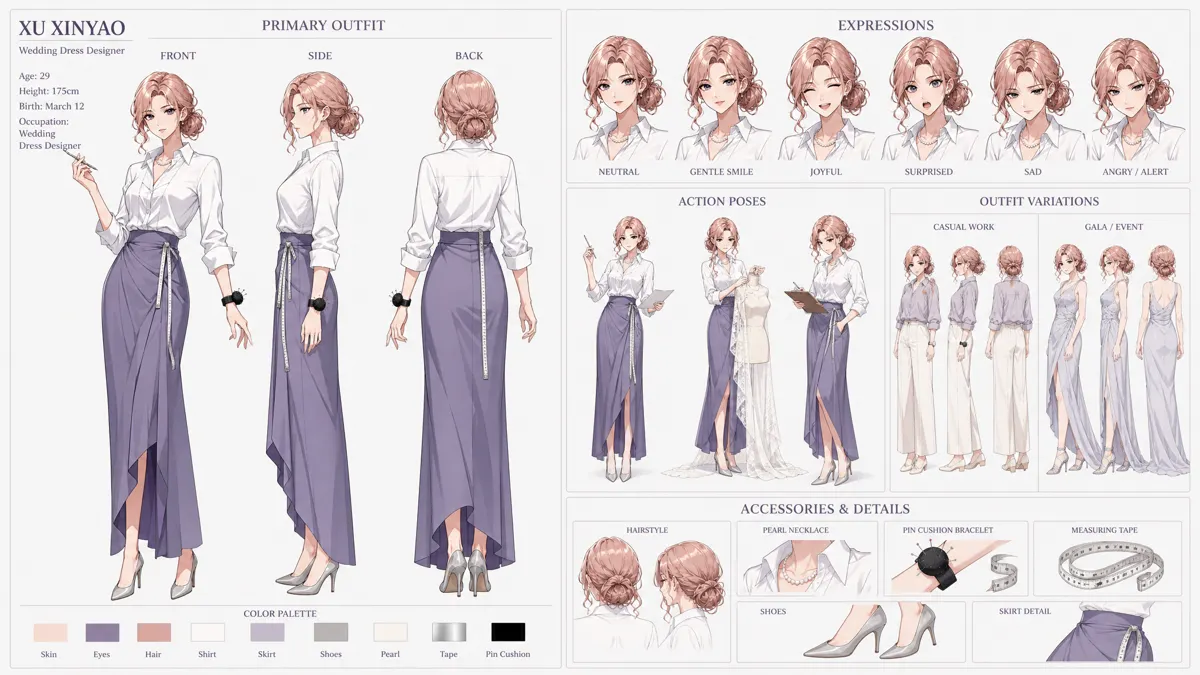
Preview only. Original files and downloads become available when this character pack is released.
Character introduction
Xu Xinyao is a visionary Wedding Dress Designer, driven by the profound conviction that a gown should be a true reflection of the wearer's unique personality, rather than a mere adherence to trends. She fiercely rejects the notion of uniform templates defining happiness, instead crafting bespoke creations that tell each bride's individual love story. This steadfast commitment to authenticity creates a compelling dramatic tension: will she face challenges from traditional clients or industry pressures to conform, or will her bold designs inspire a revolution in bridal fashion? Ideal for romance or fashion-centric narratives, Xu Xinyao can be a protagonist challenging conventions, a mentor empowering brides, or a central figure whose artistry helps others embrace their true selves, one exquisite, personalized dress at a time, celebrating genuine love and identity.
Source tags: Fashion · Individualist · Romantic · Designer
Imported from StarveilAI.
More romance charactersCharacter consistency
Keep Xu Xinyao consistent in AI video and images
Use this character sheet as a reference in any AI video or image tool that accepts reference images. Results vary by tool, so always check the first shot.
- 1
Upload the turnaround sheet as your reference
Use Xu Xinyao's front, side and back views as the AI character reference sheet, so every angle starts from the same face, hair and outfit.
- 2
Add the full-body reference for wide shots
When the whole figure is on screen, add the full-body image so proportions, shoes and accessories stay the same.
- 3
Describe the character the same way every time
Reuse one fixed description in every prompt and change only the scene.
Xu Xinyao, Wedding Dress Designer. Keep the same face, hairstyle, outfit and colors as the reference images. [your scene]
- 4
Test one short shot first
Check the face, hands and clothing in a single image or short clip before generating a longer sequence.
Similar characters
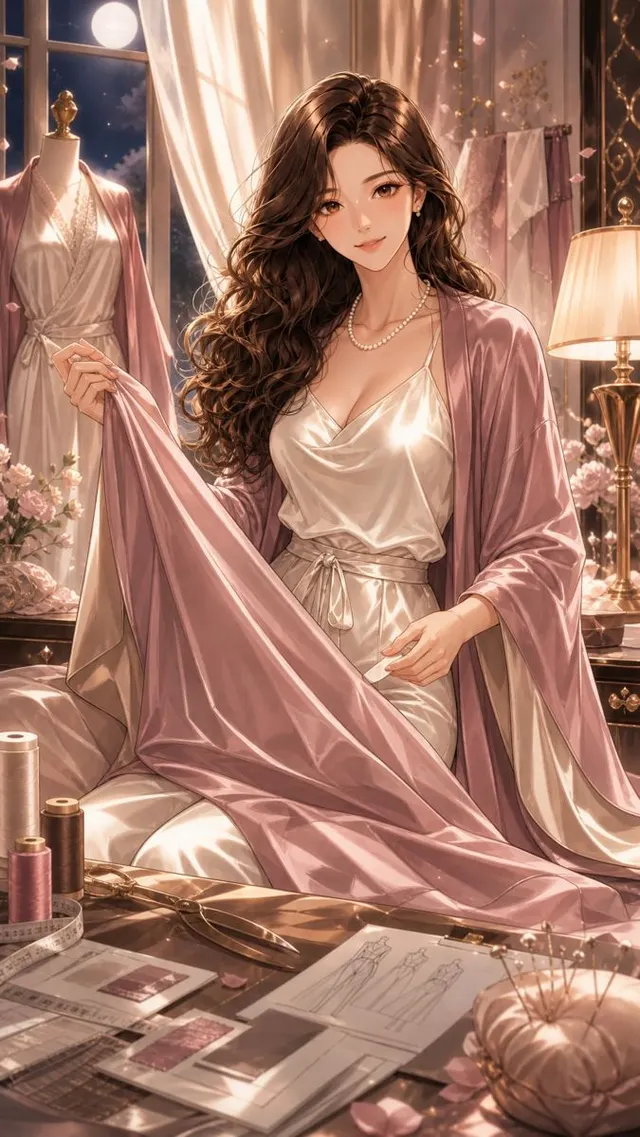 Romance
- Turnaround
- Full body
- Artwork
Wu Sefei
Fashion & BeautyLuxury Loungewear Designer
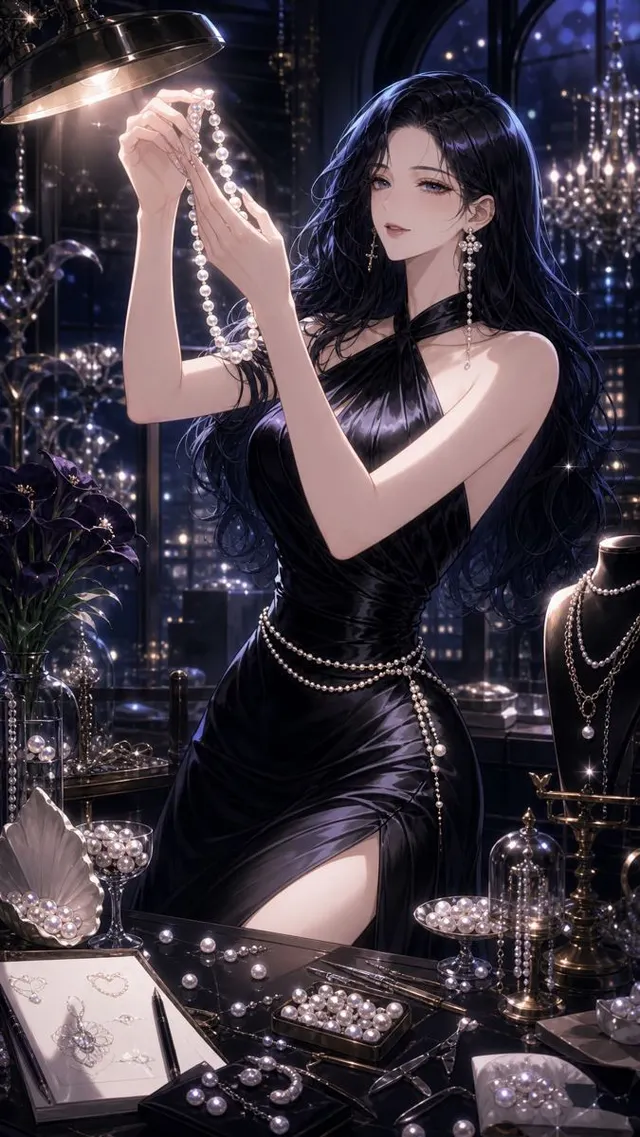 Romance
- Turnaround
- Full body
- Artwork
Wen Haili
Fashion & BeautyPearl Jewelry Designer
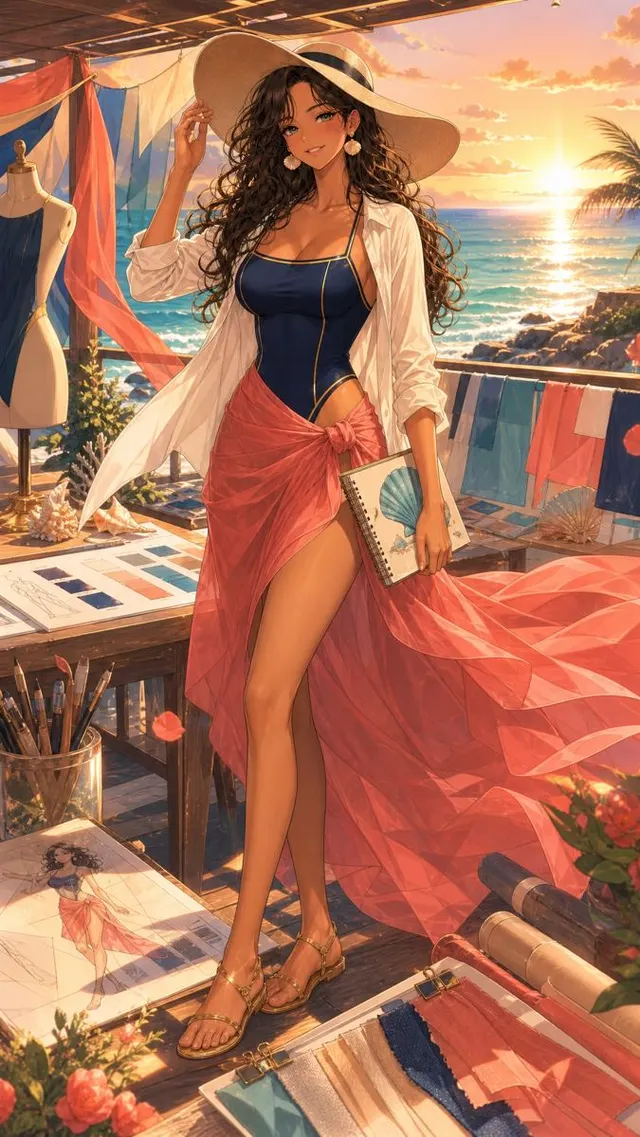 Romance
- Turnaround
- Full body
- Artwork
Quan Duoen
Fashion & BeautyResort Swimwear Designer
 Romance
- Turnaround
- Full body
- Artwork
Shen Nali
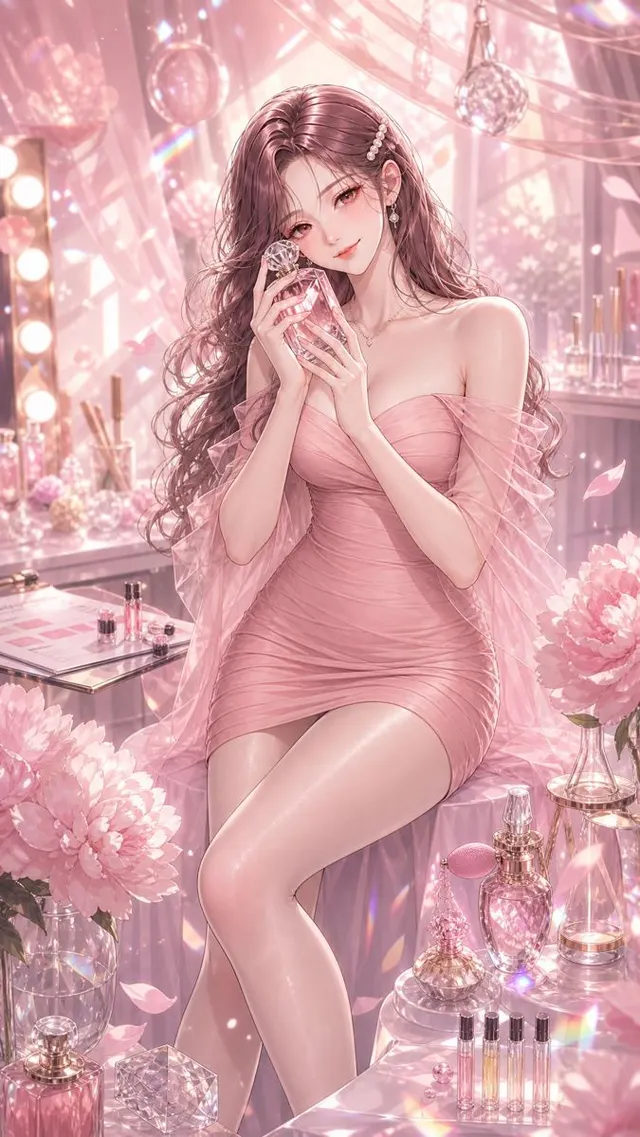
Fashion & BeautyFragrance Commercial Model