Demo ad · fictional product · 13 seconds, silent
Cameras · demo ad
M7 Mirrorless Camera AI ad with Bai Zhihao
A fashion photographer focuses, shoots and checks the frame with a mirrorless camera in a bright studio.
- Character
- Bai Zhihao
- Product
- LUMEN M7 Mirrorless Camera (fictional)
- Tagline
- “See it before you shoot it.”
- Length
- 3 shots + product end card, 13s
- First frames
- GPT image model, image-to-image
- Video
- Kling 3.0 image-to-video (720p, no sound)
What went in
7 images from Bai Zhihao's character pack (shown reduced) and one generated product still. No other references were used.
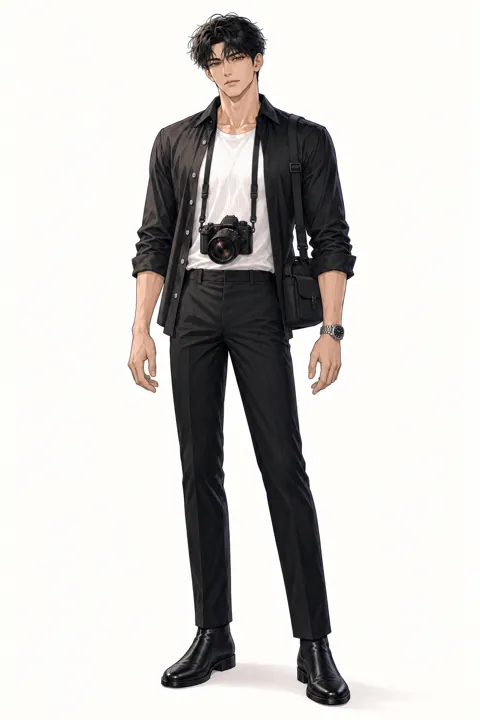
Outfit 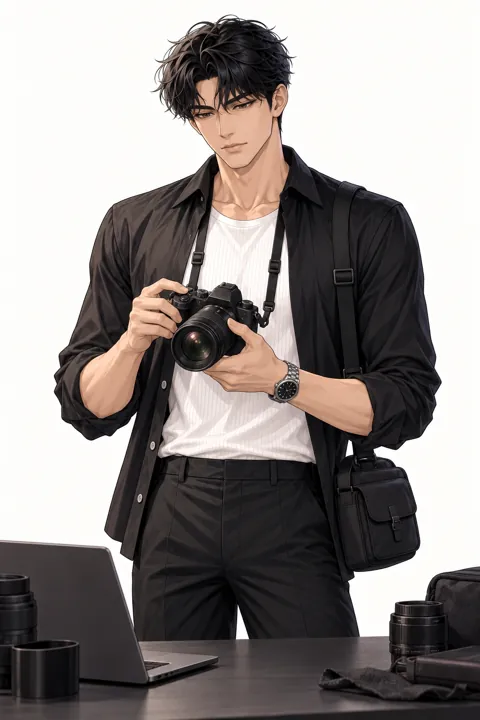
Pose (working) 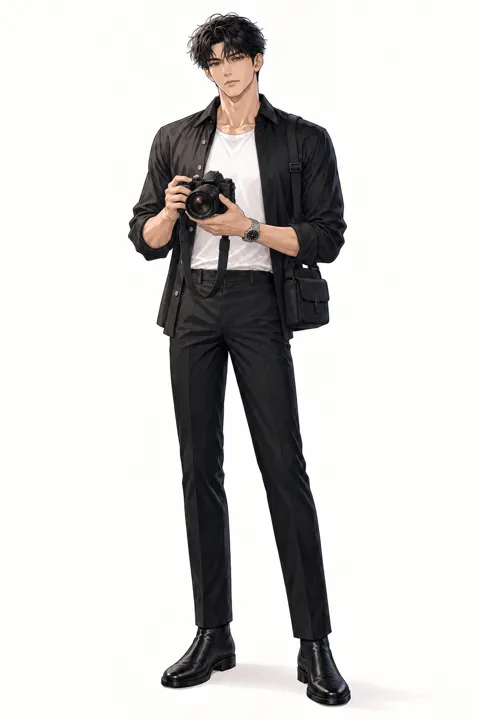
Pose (presenting) 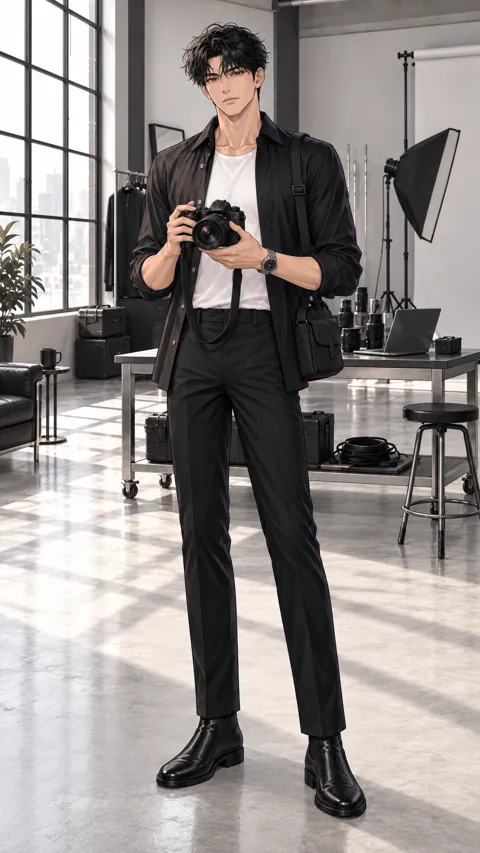
Video starter (portrait) 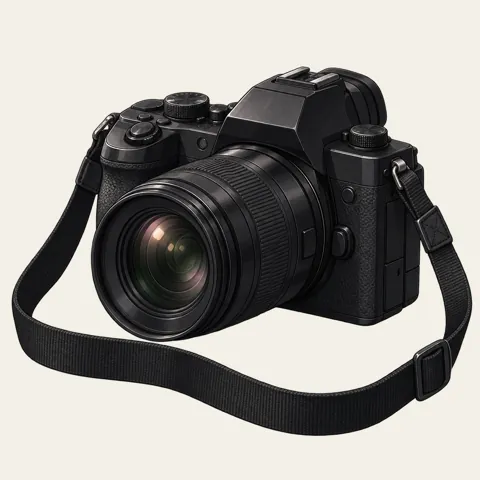
Prop 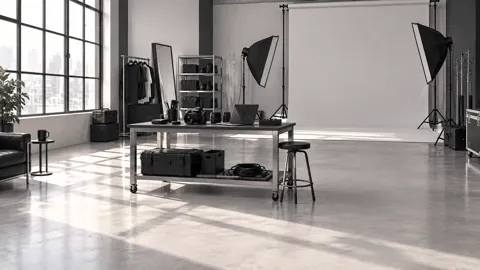
Scene 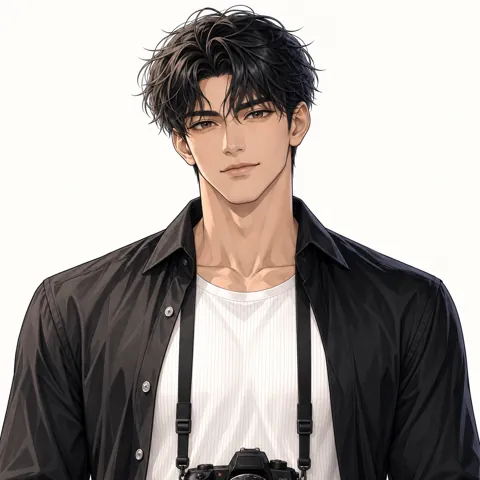
Expression (smile)
Step 1Lock the character
Every prompt begins with the same description, word for word. For video, the pack's outfit and pose images are registered as the character reference so the face and costume hold across shots.
Same adult man as the reference images: fair warm skin, deep brown eyes, tousled jet black hair, silver watch on his left wrist, lean tall male proportions. Black shirt worn open over a white T-shirt, black trousers, black camera strap around his neck. Anime illustration style exactly like the references.
He wears the black shirt open over the white T-shirt.
no extra people, no text or logos, no outfit change, no scene cuts, no camera cuts, correct hands with five fingers
Character reference images
Outfit Pose (working) Pose (presenting) Video starter (portrait)
Step 2Make a product still
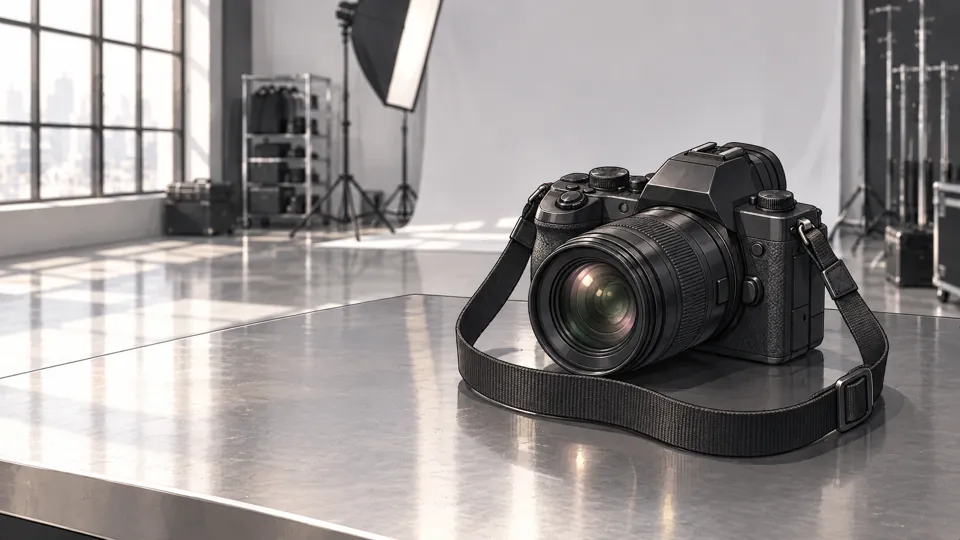
One image of the product, made from pack images, then reused so the product looks the same in every shot. Brand names are added in the edit, never by the model.
Prop Scene
Anime illustration style exactly like the references. Product shot in exactly the same art style as the references. The same black mirrorless camera with the round zoom lens and plain black strap as the first reference, resting on a grey steel table in a bright photo studio with a softbox and white backdrop blurred behind. Generous empty space on the left for a title. 16:9 still. No people, no text, no logos.
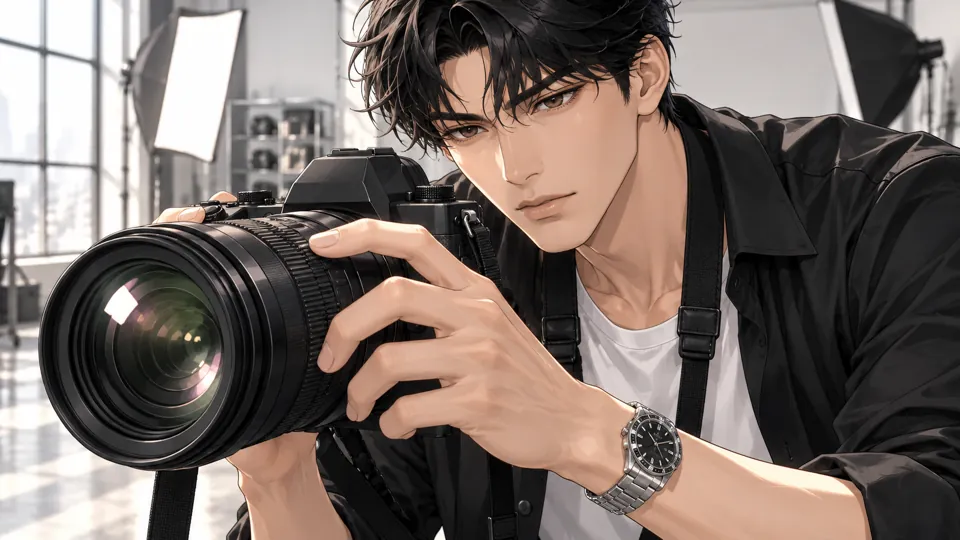
Step 3Shot 1: Focus ring
3s in the ad · on screen: “Focus that keeps up”
1 · Pack images
Prop Scene Outfit
2 · First frame
3 · Video
Macro close-up of the black camera lens in the bright studio: his fingers with the silver watch rest on the focus ring, reflections of a softbox glinting in the glass.
Macro close-up of a black camera lens in a bright photo studio. His fingers turn the focus ring smoothly and light glints across the glass. Static camera, very slow push-in, single continuous shot.
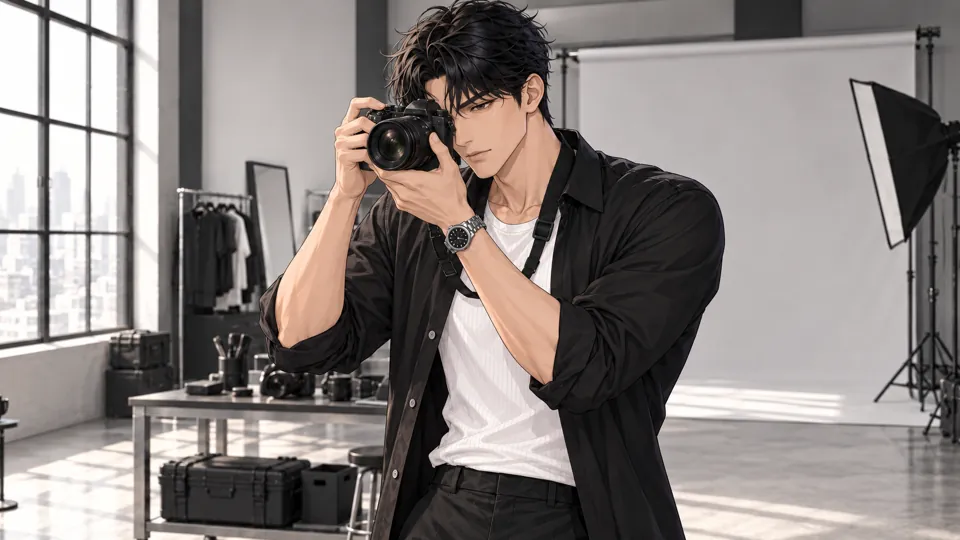
Step 4Shot 2: The shot
3s in the ad · on screen: “One frame is enough”
1 · Pack images
Pose (working) Outfit Scene
2 · First frame
3 · Video
Medium shot in the bright photo studio: he raises the black camera to his eye with both hands, focused, softbox and white backdrop behind him.
Medium shot in a bright photo studio. He raises the black camera to his eye, holds still, and presses the shutter as a softbox flash pops. Static camera, single continuous shot.
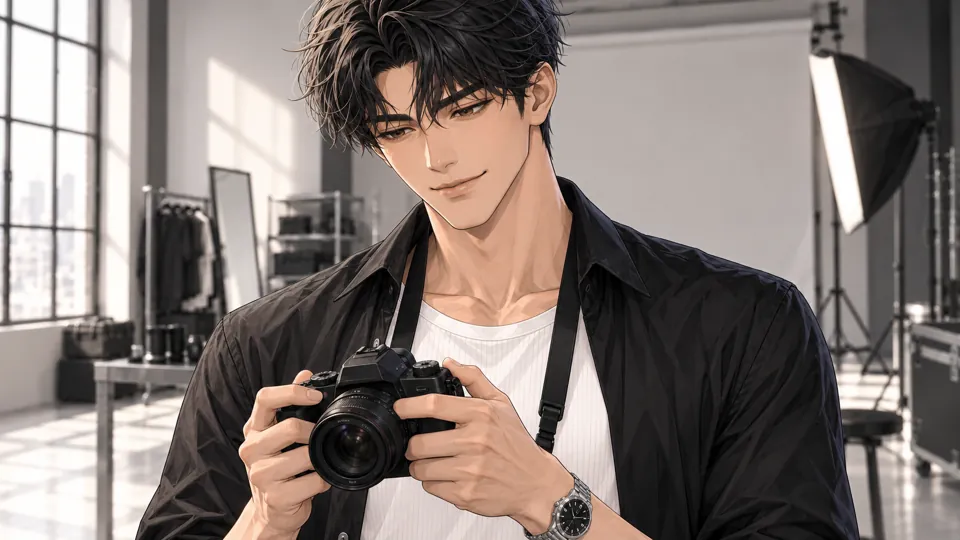
Step 5Shot 3: Got it
3s in the ad · on screen: “Got it.”
1 · Pack images
Expression (smile) Outfit Scene
2 · First frame
3 · Video
Chest-up shot in the photo studio: he lowers the black camera and looks at its rear screen, a small satisfied smile, studio light soft behind.
Chest-up shot in a bright photo studio. He lowers the camera, checks the rear screen, and a small satisfied smile appears before he glances at the camera. Static camera, single continuous shot.
Step 6Cut the ad
- Each clip is trimmed to its cleanest span. When the model added its own camera cut, that take was dropped and the shot made again.
- Short captions sit bottom left; “Demo ad · fictional product” stays top right for the whole ad.
- The ad ends on the product still with a slow push-in and the brand, product name and tagline added as text.
- The video on this page is silent. Add your own music and sound that you have the rights to use.
Make your own ad with Bai Zhihao
The pack has the turnaround views, full body, outfit, poses, expressions, props, scene and video starter frames used above. Swap in your own product and reuse the identity block.